Obtainium allows you to install and update Apps directly from their releases pages, and receive notifications when new releases are made available.
Get Flowee Pay app updates directly from developers without unpredictable third-parties.
Install Obtainium from GitHub Releases page, Click here to download APK.
Open Obtainium and click "Add App":
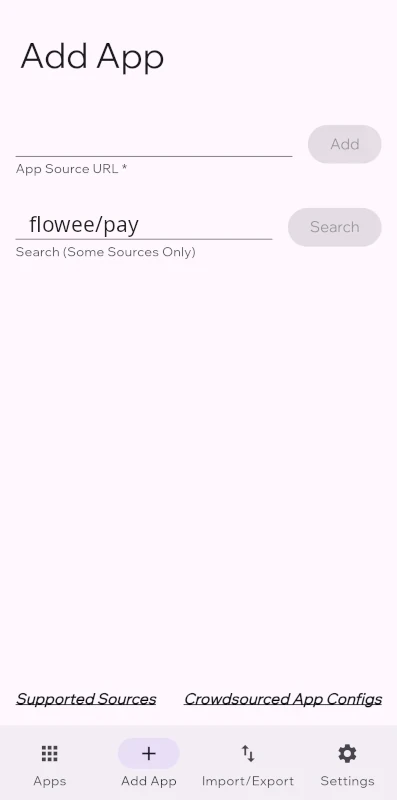
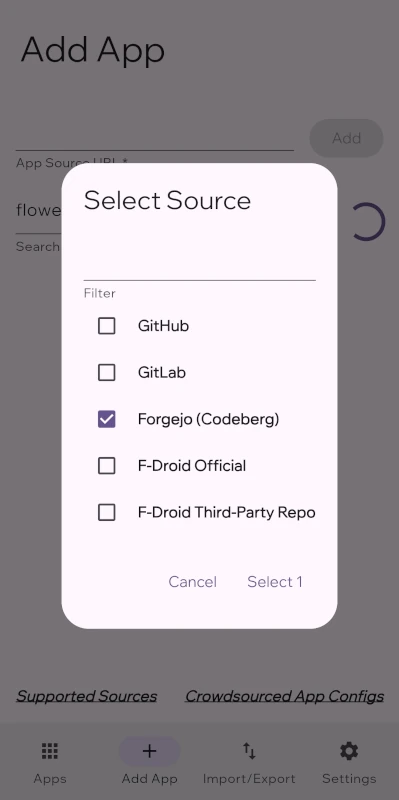
Type flowee/pay in the search box and press 'Search'. Keep only "Forgejo (Codeberg)" source.
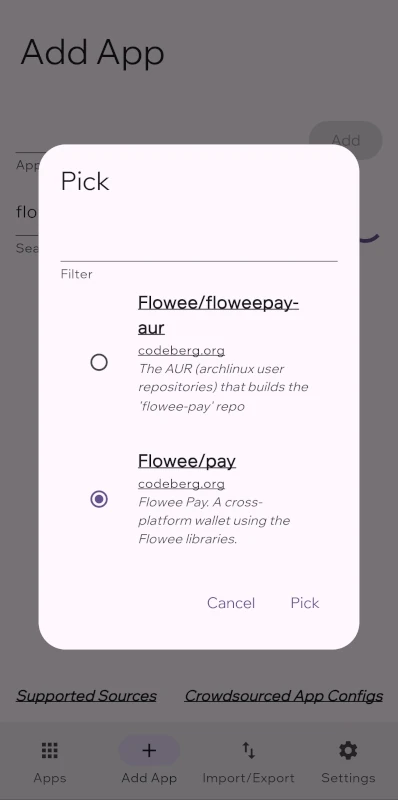
Pick the "Flowee/pay" option.
This should have given you the open source url line with the text: https://codeberg.org/flowee/pay.
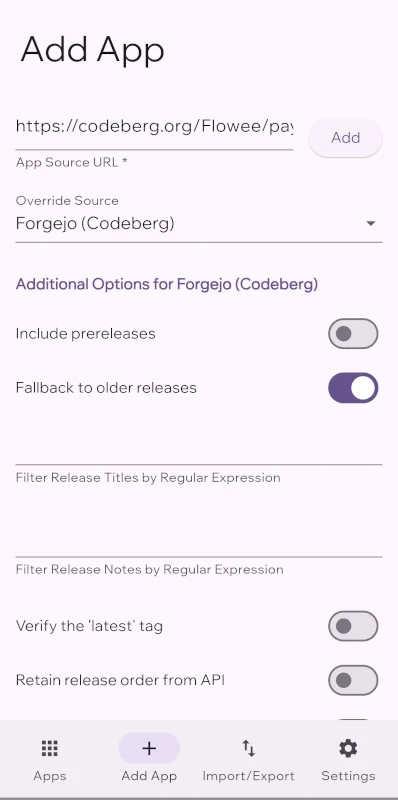
Press the 'Add' button at the top-right of the screen.
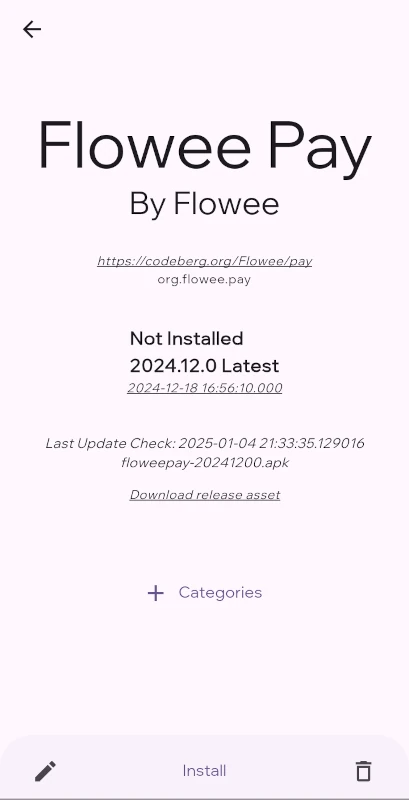
Congratulation! Flowee Pay app has been added to Obtainium.
Click "install" at the bottom of the screen. This will make you grant permission for obtanium to install software:
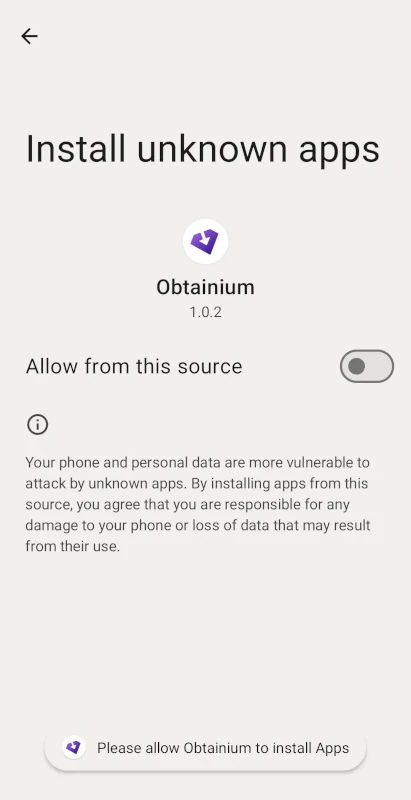
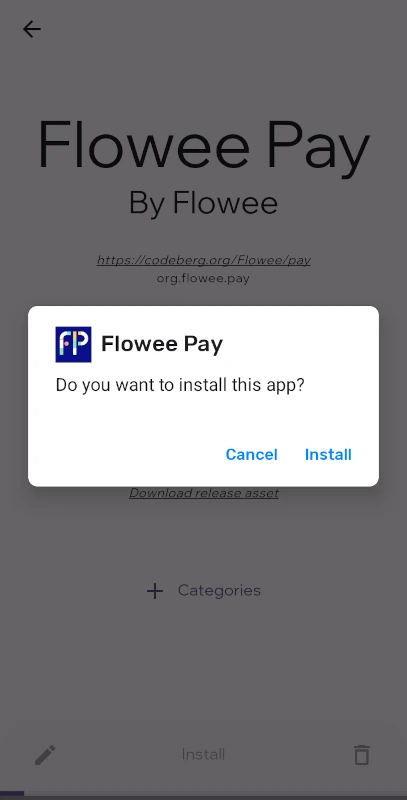
After approving you'll actually install Flowee Pay:
Obtainium will check for updates and show the release notes.
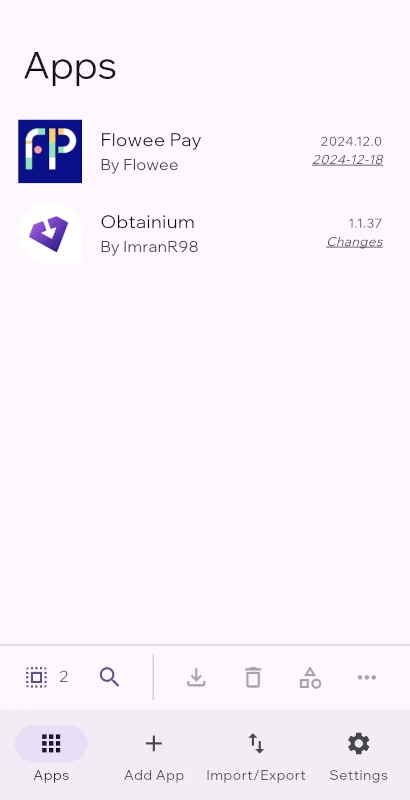
Now Flowee Pay will be automatically updated as soon as new official releases are published on GitHub by developers. No more unpredictable delays caused by unreliable third-parties and middlemen.